
Read Thai menus from photos quickly and accurately
AI menu tools for Thai restaurants
Snap your menu, AI translates instantlymultilingual menus tourists actually understand
No manual typing or translators. The system reads Thai text, matches the food knowledge base, and writes dish explanations that help tourists order with confidence.
ThaiEnglishChinesemore coming
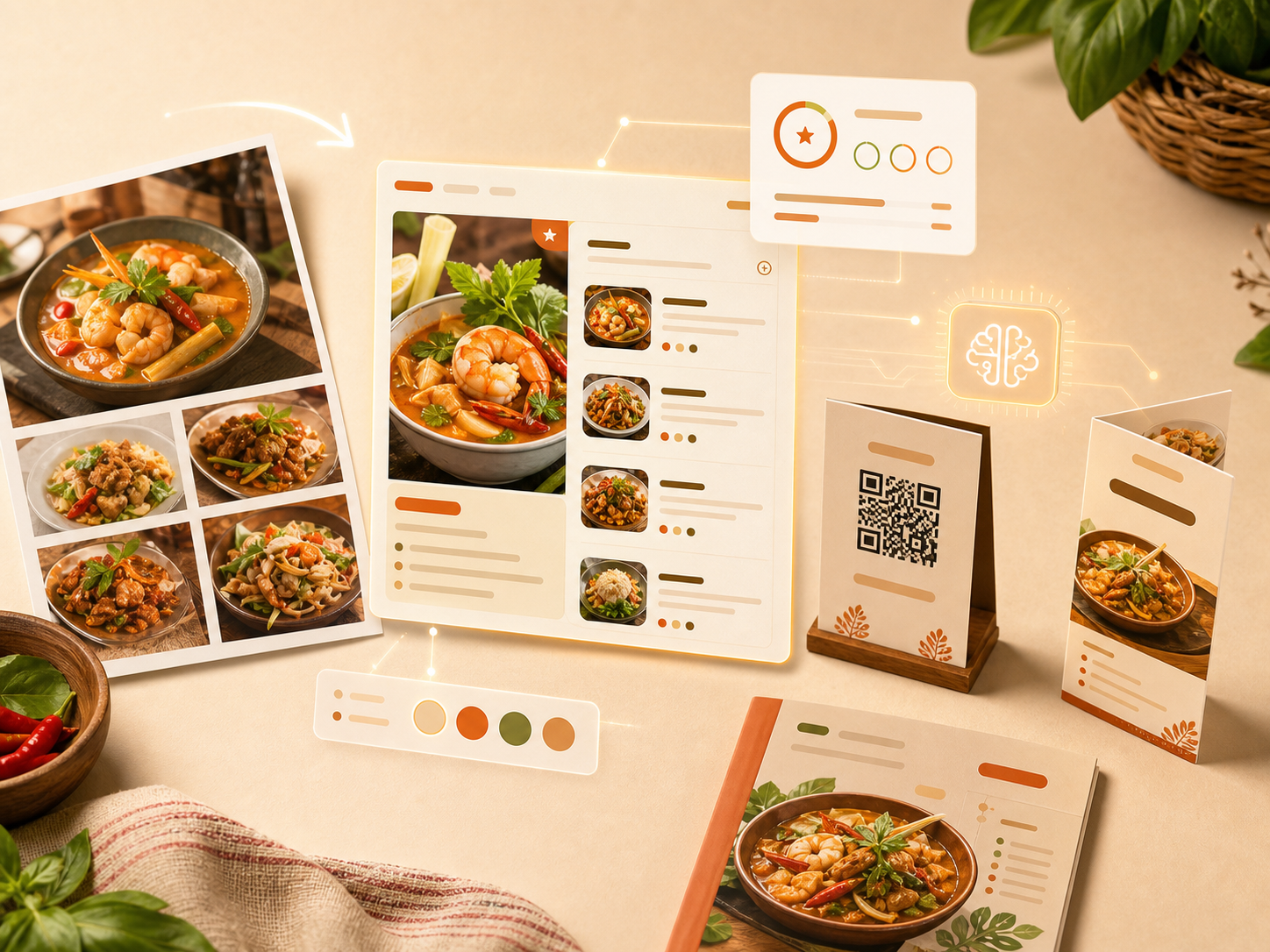
Everything your restaurant menu workflow needs
Verified dish names, translations, and explanations
Dish context tourists understand
Thai, English, Chinese, and more prepared
Upload or select appetizing dish images
Check readiness before publishing
Our AI flow: database first, LLM as a helper
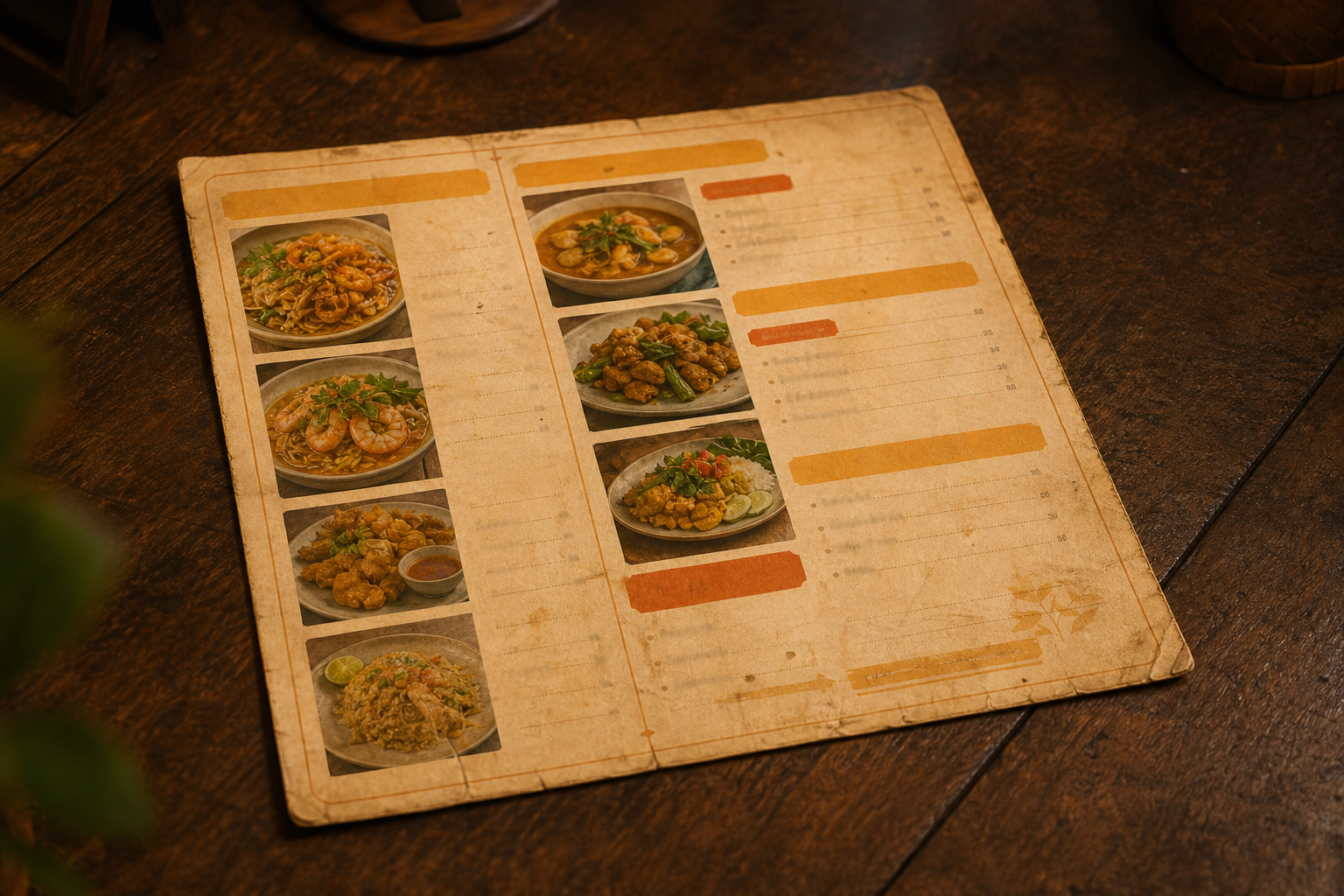
Preview menu
A clearer menu experience for tourists
- Menu OCR
- Thai food database
- AI explanations
- Multiple languages
Guide for Thai restaurants
Why Nara Menu works for restaurants in Thailand
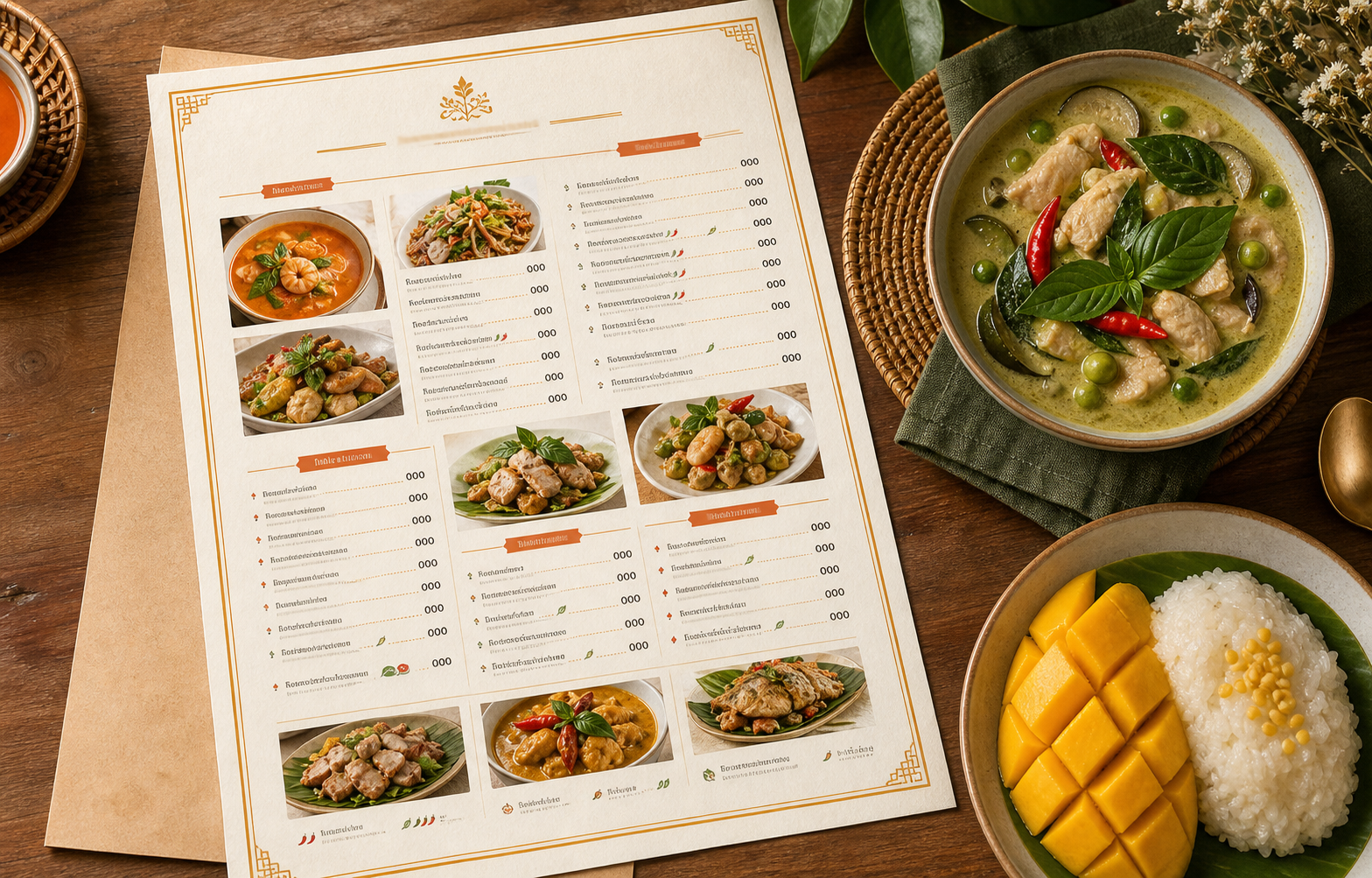
Thai OCR plus a Thai dish knowledge base
The workflow starts by reading Thai menu text from photos, then matching it with a knowledge base for dishes such as pad krapao, tom yum goong, som tum, khao soi, and seafood dishes. The result is contextual translation, not word-for-word machine output.
Dish explanations tourists can use
Each item can include English and Chinese names, flavor notes, ingredients, spice level, recommendation tags, and allergen information. This helps travelers understand what they are about to eat before speaking with the restaurant staff.
Quality checks before publishing
Menu quality scoring helps restaurants see whether photos, prices, descriptions, languages, and important tags are complete before publishing a QR menu or printing restaurant materials.
Frequently asked questions
Is it only AI translation?
No. The workflow checks a Thai dish knowledge base first, then uses AI to help when needed.
Can restaurants add food photos?
Yes. Shops can upload dish photos or choose suitable images.
Why use a menu quality score?
It helps check whether key menu information is complete before publishing or printing.
Nara Menu
Start free Create multilingual menus with quality control
Start free, no credit card required